
Live TV
Categories, favourites, logos and instant zapping with the remote. Now and next on every channel.

Media player for TV, phone and tablet
Nexlivo Player turns your own playlist into a cinema-grade experience: a full TV guide, movies and series with posters, plots and trailers, catch-up and instant channel zapping.
On Fire TV: open the Downloader app and type nexlivo.tech/apk
Features
Categories, favourites, logos and instant zapping with the remote. Now and next on every channel.

A full programme grid across all your channels, with Xtream and XMLTV guides, plus catch-up.

Posters, backdrops, plots, cast, ratings and trailers. Resume exactly where you stopped.
Seasons and episodes with pictures and summaries. The next episode starts by itself.
How it works
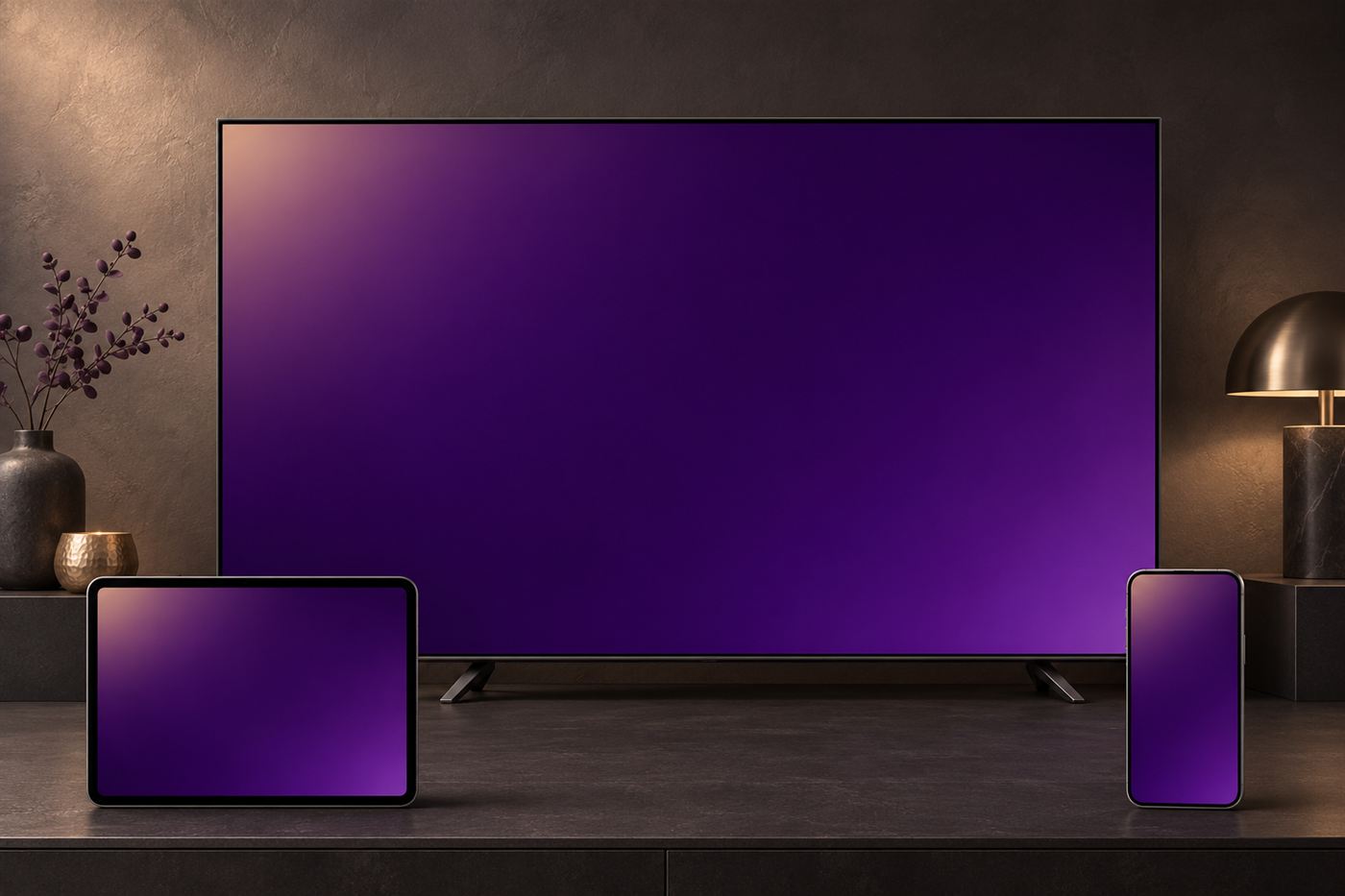
Devices
Download
nexlivo.tech/apkDownload the app directly and open the file to install it. If asked, allow installing apps from this source.
Download APKAndroid 5.0 or newer. On Android TV you can also use the Downloader app with nexlivo.tech/apk.
We are preparing the Samsung, LG and Apple versions. They will appear here as soon as they are published in each store.
FAQ
No. Nexlivo Player is only a media player. It comes without any content. You add your own playlist (an Xtream Codes login or an M3U link) from a provider you are entitled to use.
Open the app: the activation screen shows both, and a QR code that opens the playlist page with your MAC already filled in. You can also find them later under Home → Diagnostics.
Go to Manage playlist, sign in with the MAC address and device key, then add, edit or delete playlists. Press Reload in the app to load the changes.
Buy an activation code from your reseller and enter it on the Manage playlist page, or ask your reseller to activate your device directly. Activation is available for one year or for life.
Xtream logins bring their guide automatically. For M3U playlists, the guide comes from the link inside the playlist; if your provider gives you a separate XMLTV link, add it in the playlist's “TV guide (EPG) link” field.
The app shows an error code and what it means. Most often the stream is offline at your provider, or your subscription has expired. Try another channel; if none work, check your playlist details with your provider.
Each activation belongs to one device (its MAC address). Every TV, stick or phone needs its own activation.